LED & LCD televisions
Power supply, LED backlight, main board, audio and panel issues may be assessed. A cracked display is different from a backlight fault and can be costly to replace.
A television that has sound but no picture needs different checks from one that cannot connect to Wi-Fi. We accept chargeable enquiries for out-of-warranty televisions, including LED/LCD, smart TVs, QLED and OLED models where support is available. Share the brand, model, screen size and exact symptom before arranging an inspection.
Visiting charges from ₹500 · Out-of-warranty products only
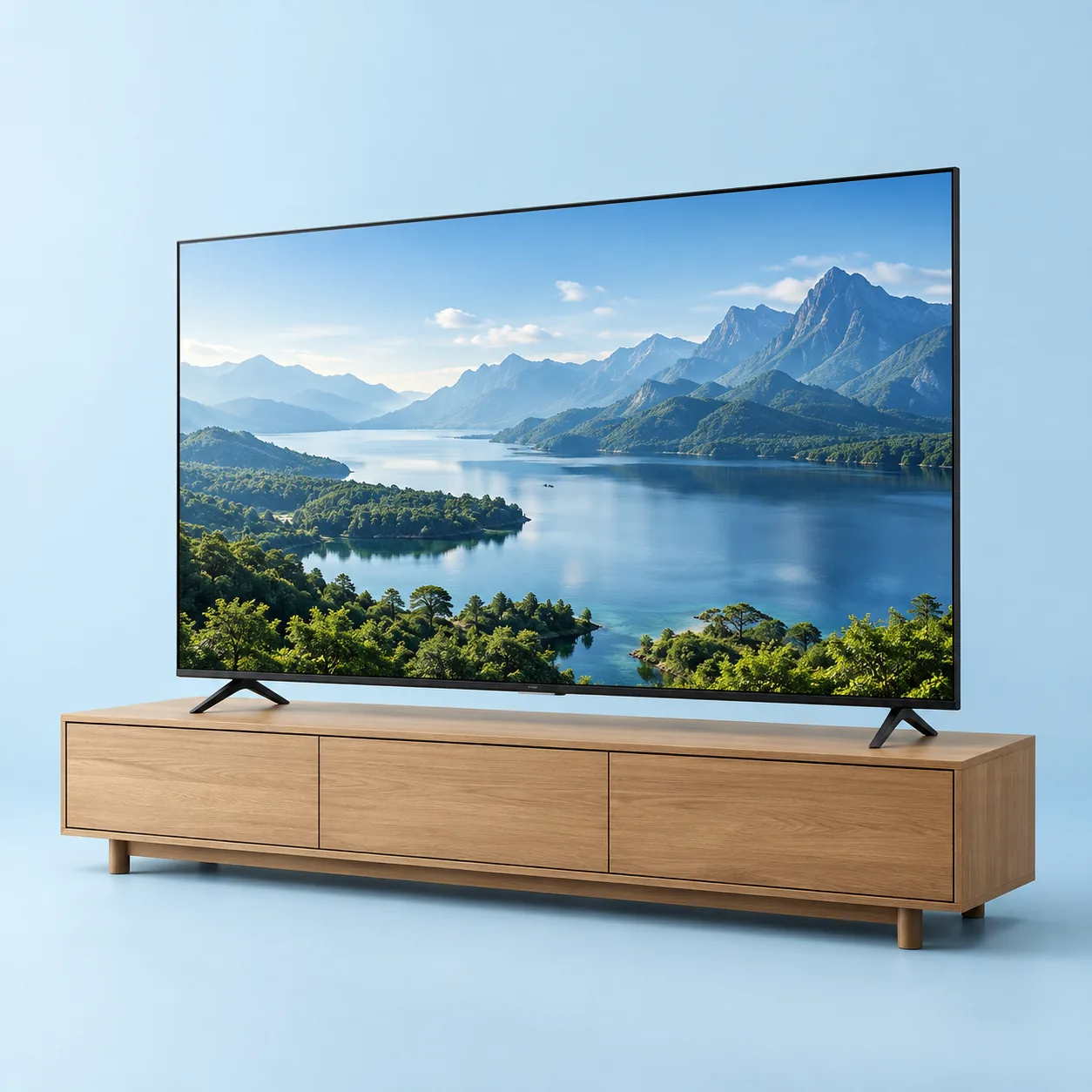
Power supply, LED backlight, main board, audio and panel issues may be assessed. A cracked display is different from a backlight fault and can be costly to replace.
Network, app, software and source settings should be checked alongside hardware symptoms. Updates and resets must match the manufacturer's instructions.
Display construction differs by technology. OLED does not use an LED backlight. Model-specific parts, panel availability and handling requirements determine possible repair work.
A technician may distinguish source, backlight, power and panel faults. Replacing a whole display is not the only explanation for a blank screen.
No power, restart loops or intermittent shutdown may involve different components. Testing is needed before estimating repair.
Lines, flicker, discolouration and physical damage require careful assessment. Panel repairs or replacements are subject to feasibility and parts availability.
Speaker output, audio settings, HDMI devices and external accessories can produce similar symptoms. Check more than one source where possible.
App-specific failures may be caused by network or platform support. A factory reset removes settings and should only follow the manual and your consent.
Mention the mount, size and wall access. Safe removal, transport or workshop assessment may be needed and should be discussed beforehand.
Safe checks can help describe the issue. They are not a confirmed diagnosis.
A safe first stepCheck the selected input and try another known-working source.
What may need inspectionBacklight on suitable models, power supply and display circuitry may need inspection.
A safe first stepCheck the plug and power switch without opening the television.
What may need inspectionSupply and internal power components may need testing.
A safe first stepAvoid pressing the screen or applying DIY repair liquids.
What may need inspectionPanel damage and connection faults need assessment; repair may be uneconomical.
A safe first stepCheck whether other devices can use the same network.
What may need inspectionSoftware, router compatibility and model support may need investigation.
A safe first stepDisconnect external accessories and note when the restart occurs.
What may need inspectionSoftware, power and main-board causes may be assessed.
Use a soft dry microfibre cloth and follow the screen-cleaning instructions. Never spray liquid directly onto the screen or open the back cover. Arrange safe handling for large screens and do not share account passwords with a technician.
Explore safe DIY checks →Tell us the symptom, model and location. We’ll discuss the visit charge and availability before you arrange an inspection.
This is the starting visit charge, not the total repair price. Confirm the exact charge for your appliance and address by phone.
Discuss your service enquiry ↗Brand names identify the appliance only. We are independent, not authorised by these manufacturers. Confirm the exact model, appliance category, parts and repair feasibility by phone; a listing does not guarantee support.
Have another question?
Let’s talk about your appliance.
No. Physical panel damage often needs replacement, which depends on availability and may cost enough to make replacement of the TV more practical.
No. OLED panels are self-emissive and do not have a separate LED backlight.
Yes. Restart loops and app problems can have several causes. Model-specific checks help avoid unnecessary component replacement.
Tell us what’s wrong. We’ll discuss the next step.